Style 2 - Text-only (Light)
Jan. 3rd, 2019 05:17 pm![[personal profile]](https://www.dreamwidth.org/img/silk/identity/user.png) tickletheory posting in
tickletheory posting in ![[community profile]](https://www.dreamwidth.org/img/silk/identity/community.png) plainstyles
plainstyles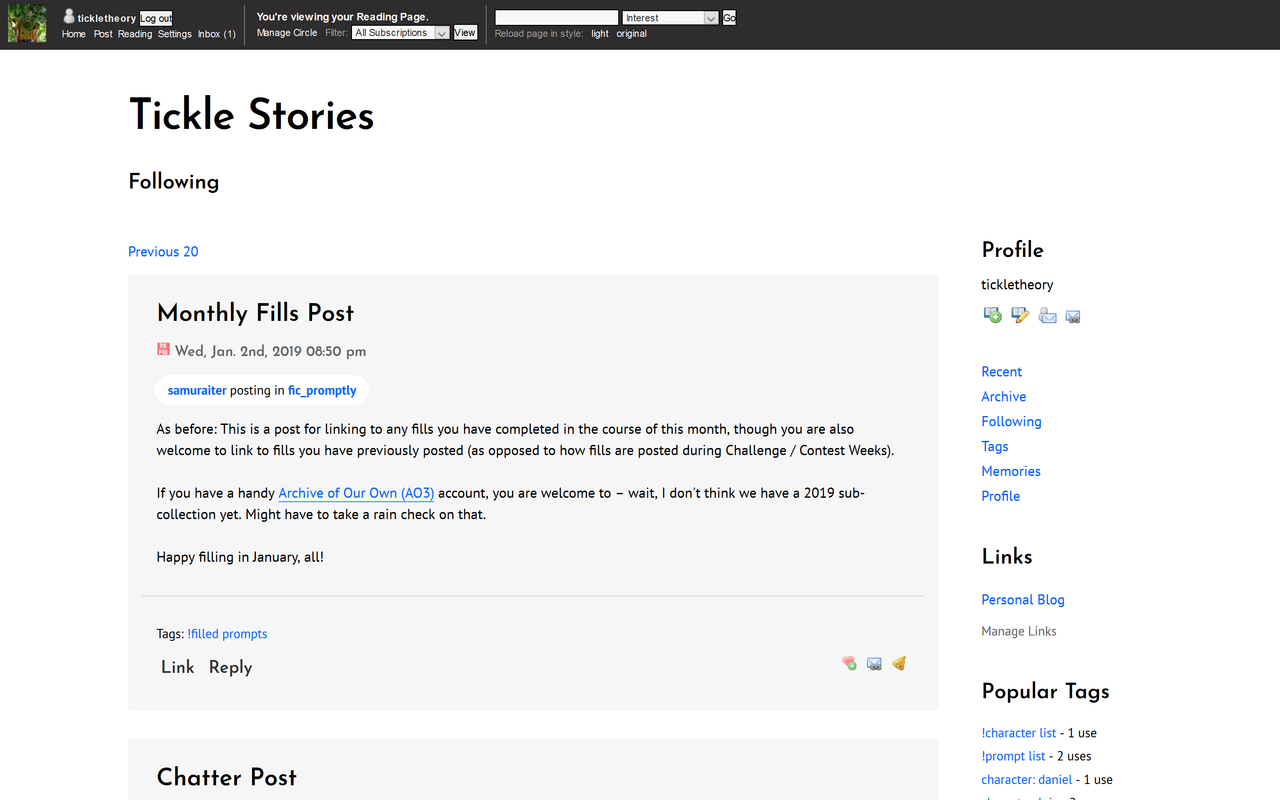
NOTE: This theme is available in Solarized Dark.
Guide
1. Switch to the Plain Tabula Rasa Layout2. Customize your journal style. Go to Custom CSS and follow the instructions below.
4. I would appreciate it if you could credit
plainstyles on your bio.Feel free to customize and tweak however you want. :)
Custom Stylesheet URL
This is necessary to link to Google Webfonts that this theme uses. Copy-paste this URL to the textbox hereCustom CSS
Copy-paste this CSS to the 'Use embedded CSS' box hereSave the changes you made.
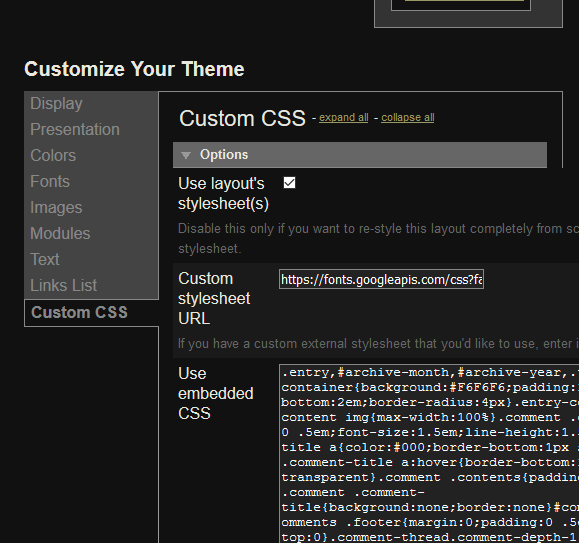
Your settings page should look like this:
Customize
You can find and replace these in the CSS for small tweaks.Link color - #0266FC
Primary font (body text) - 'PT Sans'
Secondary font (headers) - 'Josefin Sans'
Don't forget to change the
Custom CSS URL if you want to change to different Google webfonts. Feel free to change as much as you'd like.


no subject
Date: 2019-01-03 07:54 am (UTC)no subject
Date: 2019-01-03 09:10 am (UTC)